AI tools for freelancers in 2026 are no longer optional accessories — they’re the difference between a $3,000/month practice and a $15,000 one. Three years ago, most independent professionals still debated whether AI was “ready.” Today, that debate is over. The question is simply: which tools, and how?
Freelance work has always rewarded speed and quality. Clients don’t care how many hours you put in — they care about results. AI hands you a silent partner who never sleeps, never complains, and can draft a proposal in 40 seconds flat. That’s a superpower. But only if you pick the right tools and use them with intention.
This guide breaks down the best AI tools for freelancers across six key categories. You’ll find honest comparisons, real use cases, and expert tips from practitioners who’ve actually built income around these tools. Moreover, we cover the traps — the shiny tools that eat your time without moving your business forward.
Whether you’re a copywriter, developer, designer, consultant, or video creator — there’s a tool here that will change how you work. Let’s get into it.

Freelancers using AI tools report up to 40% faster project turnaround in 2026.
Why AI Tools for Freelancers Matter More Than Ever in 2026
The freelance market crossed $1.5 trillion globally in 2025. That growth brought opportunity — and intense competition. Clients are now comparing proposals from five continents within hours. Therefore, the freelancers winning the best projects aren’t necessarily the most talented. They’re the fastest, the most polished, and the most consistent.
AI levels the playing field in a specific way. It doesn’t replace your expertise — it removes the drag. First drafts, research summaries, invoice templates, follow-up emails, caption writing, code refactoring: these tasks used to consume 30–40% of a freelancer’s day. Now they take minutes.
Importantly, clients aren’t blind to this shift. Many now expect freelancers to use AI for speed, while still demanding human judgment, creativity, and accountability for the output. That’s the balance this guide helps you strike.
Q: Won’t clients think I’m cutting corners if I use AI?
Not if the output is excellent. Clients care about results — not your workflow. A carpenter isn’t judged for using a power drill instead of a hand saw. Use AI to raise quality and speed; always review and refine outputs with your expertise before delivery.
AI tools for freelancers 2026 — By Category
1. Writing & Communication — Claude
Claude has become the go-to AI assistant for freelancers who live in language. Copywriters, consultants, content strategists, and UX writers rely on it daily for first drafts, edits, proposals, and client emails. It handles nuance exceptionally well — something earlier AI tools famously struggled with.
What makes Claude particularly useful for freelancers is its long context window. You can paste an entire brief, a competitor’s website, or a client’s tone guide, and get output that actually matches the assignment. Furthermore, it doesn’t hallucinate sources or pad responses — which means less fact-checking time for you.
Q: Is Claude better than ChatGPT for freelancers in 2026?
For writing tasks, most professional freelancers prefer Claude for its tone accuracy, document handling, and refusal to fabricate details. ChatGPT still wins for plugin integrations and code generation breadth. Many freelancers use both strategically.
2. Research & Fact-Finding — Perplexity (AI tools for freelancers 2026)
Freelancers who write, consult, or advise need reliable information fast. Perplexity functions like a research assistant with citations — it answers complex queries by pulling from current sources and showing you exactly where each fact came from. Consequently, fact-checking a 2,000-word article drops from 45 minutes to 10.
3. Development — GitHub Copilot
For freelance developers, GitHub Copilot is now table stakes. It autocompletes functions, suggests entire code blocks from comments, and cuts boilerplate time dramatically. Freelancers report finishing projects 20–35% faster — time they redirect into taking on additional clients or improving code quality.
Q: Does GitHub Copilot work with all languages?
Yes — it supports Python, JavaScript, TypeScript, Ruby, Go, C++, C#, and dozens more. Its suggestions improve the more you work within a codebase, learning your personal coding patterns over time.
4. Project & Client Management — Notion AI (AI tools for freelancers 2026)
Notion AI transforms an already-powerful workspace tool into a thinking partner. Freelancers use it to auto-generate project briefs from meeting notes, summarize long email threads, write SOPs for repeatable services, and brainstorm deliverable structures. It’s especially valuable for solo freelancers wearing many hats at once.
5. Video & Visual — Kling & Descript
Video freelancers have seen the biggest transformation. Kling generates high-quality short video clips from text prompts — ideal for social content and explainer videos. Descript, meanwhile, edits video and audio by editing a text transcript, making post-production as fast as editing a document. Both tools are now staples in the creative freelance toolkit.
Q: Can non-designers use AI visual tools professionally?
Absolutely. Tools like Kling and Canva AI have lowered the barrier significantly. However, the best results still come from freelancers who understand composition, pacing, and client goals — AI amplifies taste, not replaces it.
6. Proposals & Business Development — Jasper or Claude (AI tools for freelancers 2026)
Winning clients is half the business. AI tools help freelancers generate tailored proposals in minutes, respond to RFPs with structure and persuasion, and maintain a consistent brand voice across dozens of outreach messages. Time spent on business development drops sharply — while conversion rates often improve.
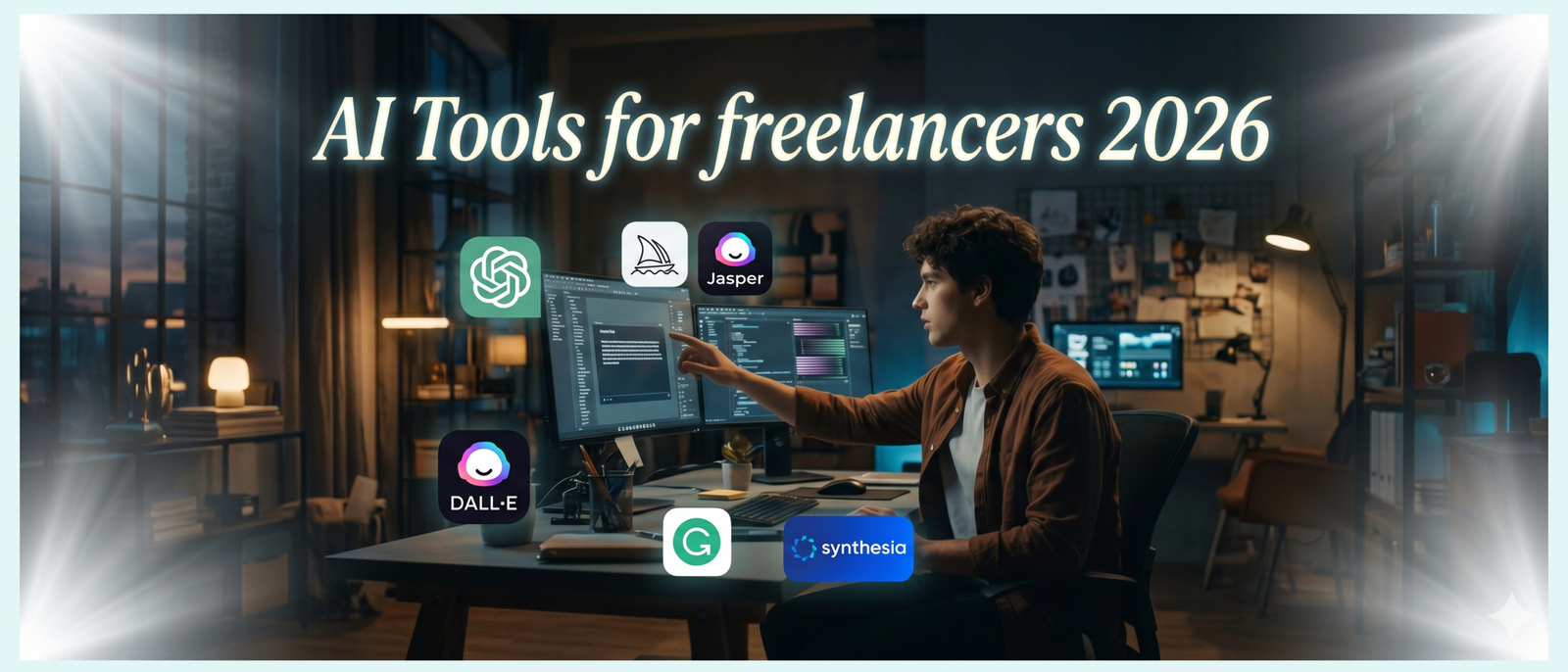
Freelance developers using AI tools like GitHub Copilot complete projects significantly faster in 2026.
AI tools for freelancers in 2026 include Claude, Perplexity, GitHub Copilot, Notion AI, Kling, and Descript. These tools cut repetitive work by up to 15 hours weekly, help freelancers pitch faster, deliver better, and charge more — without burning out or losing the human edge clients pay a premium for.
Which AI tool should a freelancer start with in 2026? Start with Claude for writing, analysis, and client communication — it handles the widest range of freelance tasks in a single tool, with no steep learning curve.
AI Tools for Freelancers: Side-by-Side Comparison
| Tool | Best For | Pricing (2026) | Learning Curve | Freelance Rating |
|---|---|---|---|---|
| Claude | Writing, analysis, proposals | Free / $20/mo Pro | Low | ★★★★★ |
| GitHub Copilot | Code generation | $10/mo | Low–Med | ★★★★★ |
| Perplexity | Research & fact-finding | Free / $20/mo | Very Low | ★★★★☆ |
| Notion AI | Project management & docs | Add-on $10/mo | Low | ★★★★☆ |
| Descript | Video/audio editing | Free / $24/mo | Medium | ★★★★☆ |
| Kling | AI video generation | Credits-based | Medium | ★★★★☆ |
| Jasper | Marketing copy | $49/mo | Low–Med | ★★★☆☆ |
Expert Tips: AI tools for freelancers 2026
Build Prompt Libraries
Top freelancers maintain personal prompt libraries for recurring tasks — proposals, client check-ins, scope definitions. Over time, these become competitive moats: your AI outputs become uniquely yours.
Always Edit the Output
AI is a first-draft machine, not a final product. The freelancers earning the most treat AI output as raw material — they add voice, cut filler, and add details only they know. That’s what clients pay for.
Charge for Your Judgment
Don’t cut your rates because AI makes you faster. Instead, take on more projects, offer faster delivery as a premium, or reinvest the time into higher-value services. Speed is now a pricing advantage.
Specialize + Automate
The freelancers winning in 2026 combine deep niche expertise with AI efficiency. Specialists who automate their commodity tasks — and charge for their rare knowledge — are in the strongest position.
Use AI for Client Education
Generate explainer docs, onboarding guides, and FAQ sheets for clients with AI. This reduces revision cycles, builds trust, and positions you as a thorough professional — not just an executor.
Test Before You Commit
Every tool has a free tier. Run a real project through each tool before paying. The best AI tools for freelancers are the ones you’ll actually open daily — not the ones with the best marketing.
Q: How do I avoid becoming dependent on AI tools?
Use AI for efficiency, not thinking. The moment you stop forming your own ideas and just edit what AI produces, your skills atrophy. Keep doing deep work — AI tools should compress time, not replace your expertise.
Frequently Asked Questions
Getting Started with AI
What is the best free AI tool for freelancers in 2026?
Claude’s free tier is the strongest starting point for most freelancers — especially writers, marketers, and consultants. It handles long documents, writes in different tones, and requires no technical setup. Perplexity’s free tier is the best option for research-heavy freelancers who need cited sources quickly.
How long does it take to learn AI tools for professional use?
Most AI tools have a very low learning curve — you can be productive within an hour. The deeper skill is prompt engineering: learning how to ask the right questions to get the output you need. Freelancers who invest 2–3 weeks in deliberate practice consistently report dramatically better results than those who use tools casually.
Should I disclose to clients when I use AI tools?
This depends on your contract and niche. Many agencies and clients now include AI use policies in briefs. When in doubt, be transparent. Most clients appreciate honesty — and your value isn’t in the typing; it’s in the strategy, judgment, and quality control you bring to every project.
Can AI help freelancers with pricing and negotiation?
Absolutely. Tools like Claude can help you write pricing rationale documents, analyze competitor pricing, draft counter-proposal scripts, and prepare for difficult client conversations. Many freelancers use AI to role-play negotiations before high-stakes calls.
AI Tools by Freelance Niche
What AI tools do freelance writers use most in 2026?
Freelance writers primarily use Claude for drafting, editing, and repurposing content; Perplexity for sourced research; and Grammarly’s AI for final polish. The combination covers the full writing workflow — from ideation to delivery — and is available for under $30/month in combined subscriptions.
Which AI tools are best for freelance developers?
GitHub Copilot remains the top choice for code suggestions and completion. Claude and ChatGPT are both excellent for debugging, code explanation, and architecture discussions. Cursor, an AI-native code editor, has also gained significant traction among independent developers in 2025–2026.
Are there AI tools specifically for freelance designers?
Yes. Midjourney and Adobe Firefly are widely used for concept generation and asset creation. Canva AI handles quick social and presentation design. Framer AI builds responsive web layouts from prompts. The design workflow has changed substantially — AI handles iteration; designers focus on direction and brand alignment.
Pricing, Privacy & the Future
How much should freelancers budget for AI tools in 2026?
A well-chosen stack of 2–3 AI tools typically costs $30–$60/month. Given the time savings involved — often 8–15 hours weekly — this represents an extraordinary ROI for most freelancers. Start with free tiers, prove the value in your workflow, then invest in paid plans for the tools you open daily.
Is my client data safe when I use AI tools?
Check each tool’s data policy before inputting sensitive client information. Most premium tiers of major AI tools (Claude Pro, OpenAI Teams, etc.) explicitly exclude your inputs from training data. Using anonymized or generalized descriptions of client projects is a safe practice when in doubt.
Will AI tools for freelancers keep improving in 2026 and beyond?
Yes — at a rapid pace. The trajectory from 2023 to 2026 has been extraordinary. Multimodal tools, agent-based automation, and real-time collaboration features are all accelerating. Freelancers who build fluency with current tools will be best positioned to adopt tomorrow’s advances ahead of competitors.
Ready to Build Your AI-Powered Freelance Practice?
Follow for weekly guides on tools, pricing strategies, and real-world workflows that independent professionals are using right now.