WhatsApp Plus Features That Are Changing How 3 Billion People Message in 2026
Meta just dropped a paid subscription you didn’t ask for — but you might actually want it. Here’s what WhatsApp Plus features really offer, and whether they’re worth your money.
WhatsApp Plus is Meta’s new optional paid subscription for WhatsApp Messenger, currently in Android beta testing as of April 2026. It offers premium personalization tools including custom themes, exclusive sticker packs, alternate app icons, extra pinned chats, and premium ringtones — all for approximately $2.99/month. Core messaging remains free.
WhatsApp Plus features include custom color themes, 14 unique app icons, animated sticker packs, up to 20 pinned chats, exclusive ringtones, and bulk theme settings. It costs around $2.99 per month and is currently available only to Android beta users, with iOS support planned later.
WhatsApp Plus features landed in the spotlight this week when Meta quietly pushed the new paid subscription tier into its Android beta — and the internet has not stopped talking about it. For years, WhatsApp remained free without any strings attached. However, 2026 marks a major turning point. Meta is now monetizing its most-used messaging app through an optional premium plan.
Think about how often you reach for your phone just to text someone. WhatsApp handles over 100 billion messages every single day. Therefore, any change Meta makes to this platform — even a small cosmetic one — affects billions of people’s daily habits. As a result, understanding what WhatsApp Plus actually offers helps you decide whether it’s worth adding to your monthly expenses.
Our team at Sky Oasis Digital has broken down every confirmed feature, compared pricing across regions, and analyzed whether this subscription changes anything fundamental. Meanwhile, we’ve gathered the real questions people are asking so you leave this page with complete clarity.
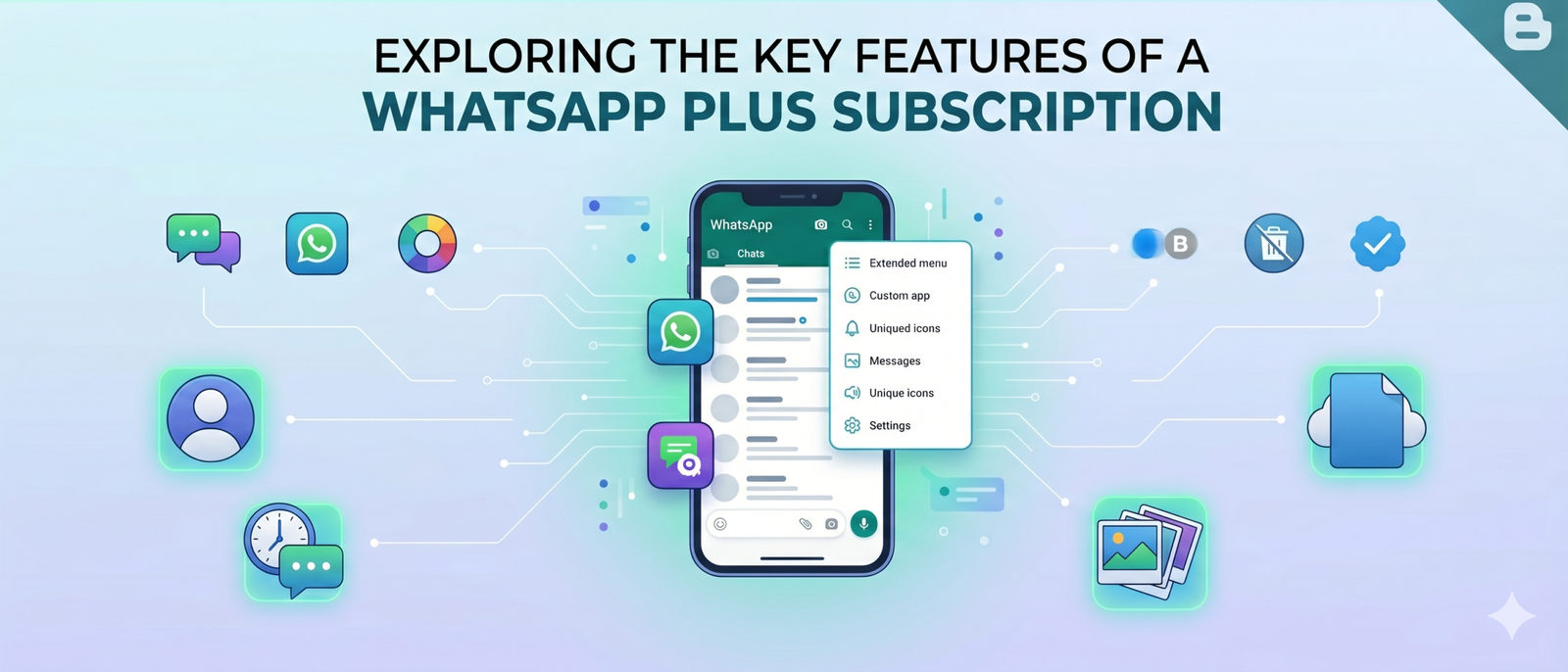
What WhatsApp Plus Actually Is — And Why Meta Built It Now
WhatsApp Plus is an optional monthly subscription plan built directly into WhatsApp Messenger — not a third-party mod or unofficial APK. Meta officially confirmed the test to TechCrunch, describing it as designed “for users who want more ways to organize and personalize their experience.” Consequently, this is the first paid tier WhatsApp has offered since it scrapped a $1 annual fee back in 2016.
The timing is deliberate. Meta’s WhatsApp revenue crossed a $2 billion annualized run-rate in Q4 2025, driven largely by business messaging. Additionally, Instagram Plus began testing just weeks before this rollout, suggesting a coordinated subscription push across all of Meta’s platforms. Furthermore, rivals like Telegram Premium and Snapchat+ have already proven that messaging users will pay for extras.
Importantly, WhatsApp Plus is only available through WhatsApp Messenger. WhatsApp Business does not support the subscription at this stage. Therefore, if you run a business account, this plan is currently not relevant to you.
Every Confirmed WhatsApp Plus Feature Explained
Custom Themes and Accent Colors
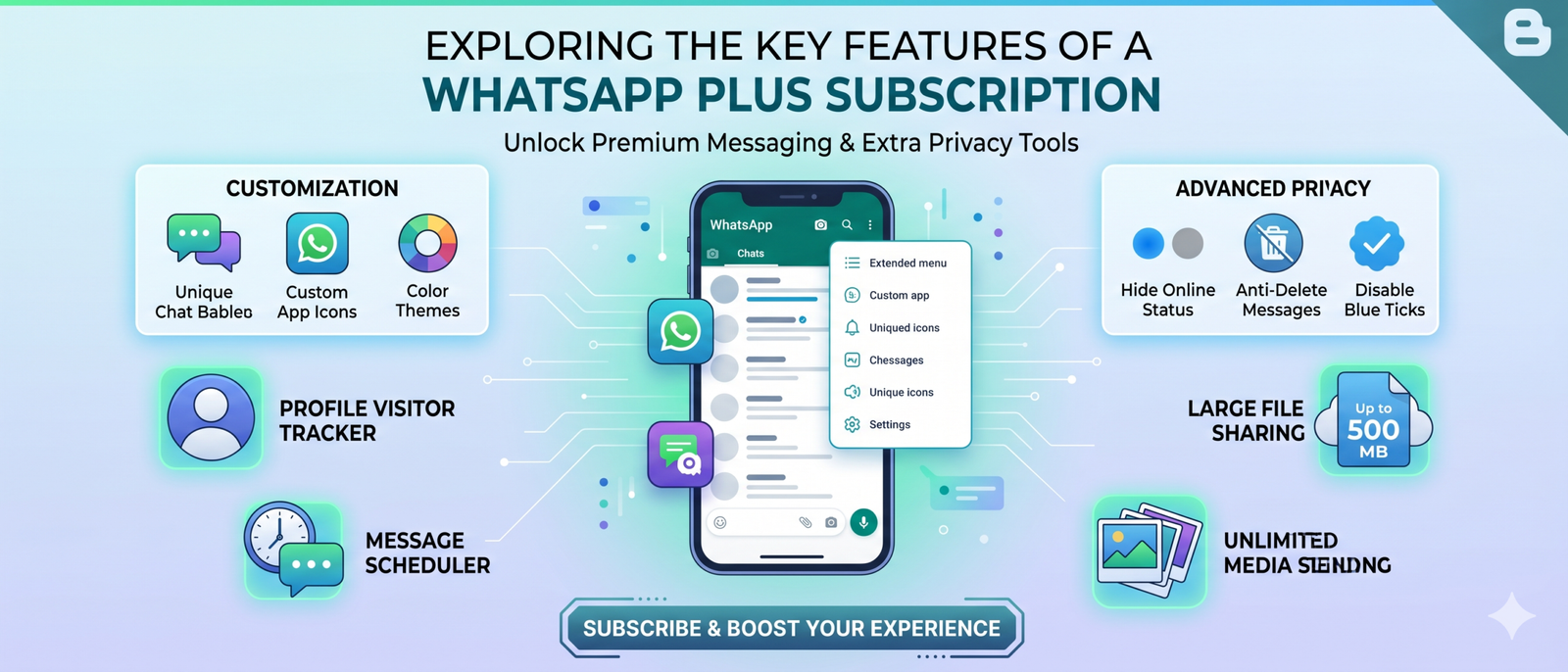
Perhaps the most visually striking WhatsApp Plus feature is the ability to swap out the app’s signature green color scheme entirely. Subscribers get access to 18 predefined color themes that alter the entire application UI. So if you have always found WhatsApp’s green a bit too bold, this is your fix. Moreover, custom accent colors replace the default green across buttons, icons, and interface elements throughout the app.
Alternate App Icons
The plan includes 14 unique app icon designs for your home screen. These range from minimal flat designs to textured styles like glitter, nebula, and fuzzy purple. Therefore, your WhatsApp shortcut no longer has to look the same as everyone else’s. Additionally, changing your icon is reversible at any time through the subscription settings.
Premium Animated Sticker Packs
WhatsApp Plus subscribers unlock exclusive sticker packs featuring fullscreen overlay animations. Crucially, these animations are visible even to people who do NOT have the subscription. As a result, your expressive moments land differently in conversations. However, recipients experience the visual effect passively without needing to pay a cent themselves.
Expanded Pinned Chats
Currently, WhatsApp limits everyone to 3 pinned chats. WhatsApp Plus raises this ceiling dramatically — all the way to 20 pinned conversations. For users who juggle family groups, work threads, and close-friend chats simultaneously, this alone could justify the subscription. Furthermore, this is the most practical functional upgrade in the entire plan.
Exclusive Ringtones
Ten premium ringtones come bundled with the subscription. These are exclusive to WhatsApp Plus subscribers and provide a way to instantly recognize WhatsApp notifications without relying on system defaults. Meanwhile, free users retain access to all original ringtone options.
Bulk Theme and Notification Settings
One underrated WhatsApp Plus feature is the ability to apply custom themes and notification settings across your entire chat list in one action. Previously, you would have to configure each chat individually. Therefore, this is a genuine time-saver for power users with dozens of active conversations.
WhatsApp Plus Pricing — What It Costs in Your Region
Meta has not officially announced global pricing yet, since the subscription is still in limited beta. However, early testers have already reported regional costs. The figures below are based on confirmed screenshots from beta users and reported by WABetaInfo and multiple tech outlets.
| Region | Reported Price | Billing Period | Status |
|---|---|---|---|
| United States | ~$2.99/month | Monthly | Beta (Android) |
| Europe | €2.49/month | Monthly | Beta (Android) |
| Mexico | ~$29 (MXN equiv.) | Monthly | Beta (Android) |
| iOS (Global) | Not announced | — | Planned later |
| WhatsApp Business | N/A | — | Not supported |
At $2.99/month, WhatsApp Plus is priced slightly higher than Instagram Plus (which tests at roughly $1–$2/month) but cheaper than Telegram Premium ($5/month). Therefore, Meta appears to be positioning it competitively in the premium messaging market. However, value perception will vary wildly depending on how much you actually personalize your apps.
WhatsApp Plus vs Telegram Premium vs Snapchat+ — Side by Side
WhatsApp is not the first messaging giant to introduce a paid tier. Competitors like Telegram and Snapchat launched premium subscriptions earlier. Furthermore, understanding how these plans stack up helps you decide where to spend your subscription budget.
| Feature | WhatsApp Plus | Telegram Premium | Snapchat+ |
|---|---|---|---|
| Custom Themes | 18 color themes | Yes (limited) | Yes |
| Custom App Icons | 14 designs | Yes | Yes |
| Animated Stickers | Yes (fullscreen) | Yes | Yes |
| Pinned Chats | Up to 20 | Up to 10 | No change |
| Exclusive Ringtones | 10 ringtones | No | No |
| File Size Upload Limit | No change (2GB) | 4GB (increased) | No change |
| Ad Removal | No | Yes (in-app) | No |
| End-to-End Encryption | Free (unchanged) | Free (unchanged) | Not offered |
| Price (approx.) | $2.99/month | $5/month | $3.99/month |
One clear advantage WhatsApp Plus holds is the 20-pinned-chat feature, which surpasses competitors significantly. On the other hand, Telegram Premium offers ad removal and larger file uploads — making it more functionally powerful. Therefore, the right choice depends entirely on which platform you live in daily.
How to Get WhatsApp Plus Right Now — Step by Step
Currently, WhatsApp Plus is only available to a limited set of Android beta users. However, you can try to access it early by following these steps. Keep in mind that not every beta user will see the subscription option immediately, as Meta is rolling it out in phases to collect feedback.
- Open the Google Play Store on your Android device and search for “WhatsApp Messenger.”
- Scroll down to find the “Join the beta” option. Tap it to enroll as a beta tester.
- Update WhatsApp to the latest beta version (2.26.4.8 or higher).
- Open WhatsApp and navigate to Settings → Account → WhatsApp Plus.
- If the subscription is available in your region, you’ll see the plan details and a subscription button.
- Tap “Subscribe,” choose monthly billing, and confirm payment through Google Play.
- Once subscribed, access your new features under Settings → Chats → Themes and Customization.
Real Benefits and Honest Limitations of WhatsApp Plus
What WhatsApp Plus Gets Right
The 20-pinned-chat feature addresses one of the most commonly requested WhatsApp improvements. Additionally, the bulk theme application saves real time for heavy users. Furthermore, the fullscreen sticker animations are visible to non-subscribers, meaning your experience improves in a way that benefits everyone you message — not just yourself.
From a security standpoint, Meta has confirmed that end-to-end encryption remains completely intact. Therefore, paying for Plus does not change your privacy posture whatsoever. The subscription simply adds a cosmetic and organizational layer on top of the free experience.
Where It Falls Short
The biggest criticism is that WhatsApp Plus does not remove ads from Status. Many users hoped a paid tier would finally make WhatsApp fully ad-free. However, Meta intentionally kept that benefit out of this plan. Additionally, there are no functional messaging improvements — no larger file uploads, no extended message editing windows, no disappearing message enhancements.
Furthermore, iOS support is not available yet. iPhone users will have to wait for a later stage rollout. This creates a fragmented experience for cross-platform households. Meanwhile, WhatsApp Business users are excluded entirely, which limits the plan’s appeal to professional users.
The features in WhatsApp Plus mirror a deliberate strategy — Meta monetizes personalization first, then gradually expands into functional benefits once subscribers are locked in. Expect file upload limits, voice note transcription, and possibly AI-powered features to join a future Plus tier within 12–18 months.
7 Pro Tips for Getting the Most Out of WhatsApp Plus
- Pin your 20 most important chats strategically. Group chats and individual contacts together by context — work, family, and close friends — so you never scroll for the wrong conversation.
- Apply themes per mood or season. The bulk settings feature lets you change the entire app’s feel in seconds. Use it when switching between professional and personal contexts.
- Coordinate sticker packs with contacts. Since non-subscribers see your animated stickers too, choose packs that resonate with your most frequent conversation partners.
- Use a minimal icon if you value focus. The 14 icon designs include subtle, low-distraction options. Swapping to a neutral icon can reduce the psychological pull to open the app unnecessarily.
- Test every ringtone before committing. The 10 exclusive tones vary widely in tone and volume. Preview each in a quiet environment to ensure you can hear them in noisy spaces.
- Wait for iOS if you use multiple devices. Subscribing on Android before iOS support launches means your paid features won’t sync across your iPhone. Therefore, cross-platform users should hold off until full support arrives.
- Check for new feature drops. Meta has signaled that WhatsApp Plus will receive additional features over time. Staying on the beta channel ensures you get them first.
Common Questions People Are Asking About WhatsApp Plus
Does WhatsApp Plus affect the people I message?
Partially, yes — in a good way. Your animated sticker fullscreen overlays play for recipients even if they haven’t subscribed. However, everything else — your theme, icon, and pinned chats — is entirely private to your device and experience. Therefore, your contacts won’t notice any change to the way their WhatsApp looks or works.
Is the unofficial WhatsApp Plus APK the same thing?
Absolutely not. The WhatsApp Plus APK circulating on third-party sites is an unofficial modification with no connection to Meta. Consequently, it can expose your messages to security risks and almost certainly results in a permanent account ban once WhatsApp’s systems detect it. The official subscription is entirely different — it lives inside the legitimate app.
Will WhatsApp Plus ever remove ads from Status?
Meta has not indicated this is planned for the current tier. Status ads represent a significant and growing revenue stream. Therefore, ad removal would likely require a higher-priced tier, if it ever becomes available at all. For now, subscribing to WhatsApp Plus does not change your ad experience in any way.
Can I use WhatsApp Plus on my business account?
No. WhatsApp Plus is currently restricted to WhatsApp Messenger only. WhatsApp Business is not supported at this stage of beta testing. If you run a small business through WhatsApp Business, this subscription holds no benefit for you right now.
What happens if I cancel my WhatsApp Plus subscription?
Your WhatsApp account continues to work exactly as it did before you subscribed. However, you lose access to all premium features — your themes revert to default, excess pinned chats (beyond the free 3-chat limit) become unpinned, and exclusive stickers and ringtones become unavailable. Therefore, cancellation is risk-free in terms of your core messaging functionality.
Frequently Asked Questions About WhatsApp Plus Features
Getting Started
Features and Functionality
Safety, Pricing, and Business Use
Ready to Grow Your Brand Online?
From web development to social media marketing — Sky Oasis Digital helps you stand out in a crowded digital world. Let’s build something remarkable together.